After you photograph the stack, Binder shows who's missing—“23 of 28”—and which of those students were absent. Mark them missing in one tap, and their work goes into a catch-up packet you can print for them.
“After I finish grading a stack, I compare it against my attendance to figure out who was absent and who just didn't turn it in.” — if that sounds familiar, this page is for you.
Try it free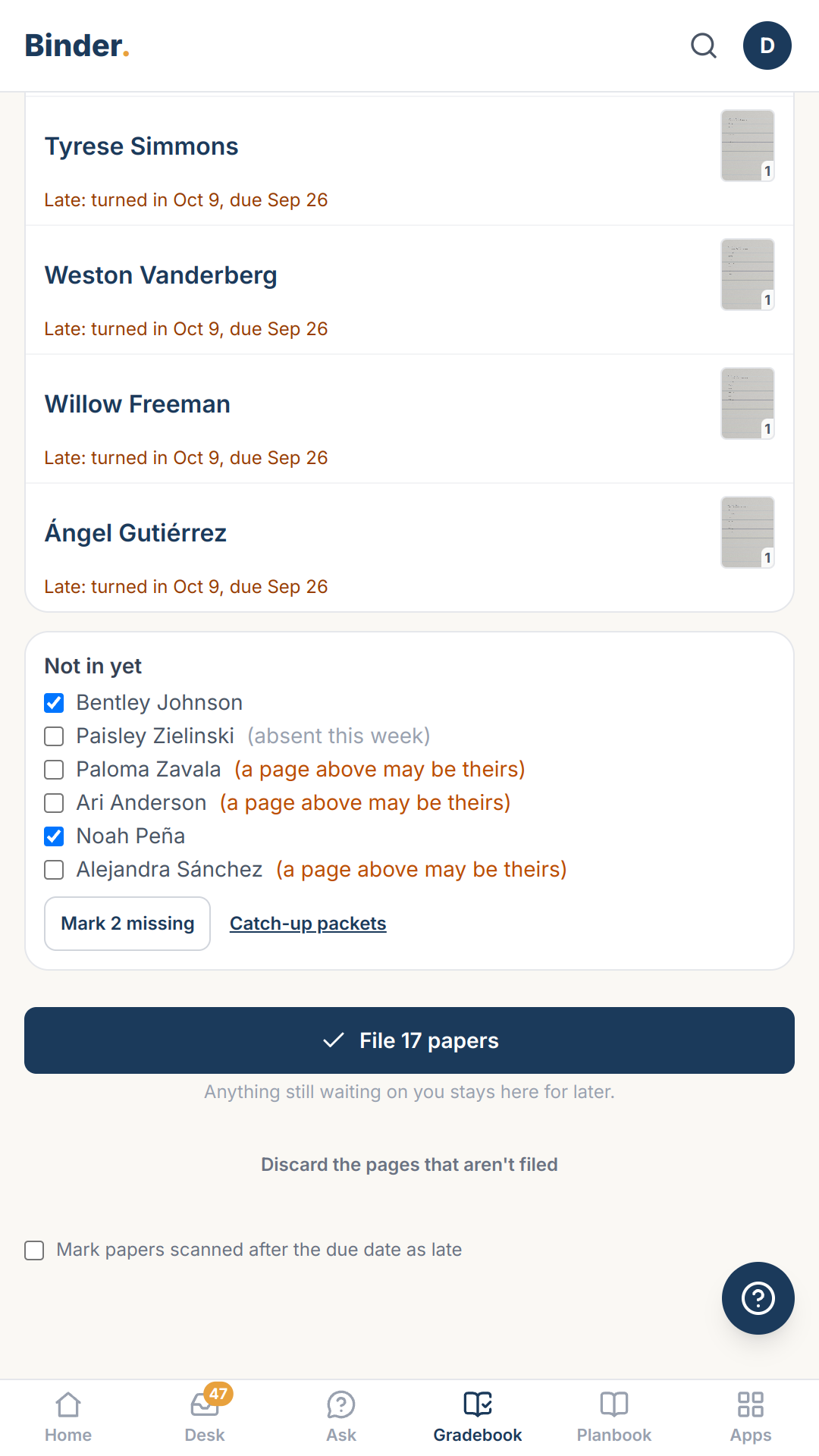
What it looks like
“18 of 23 in”, and under the stack a Not in yet list with three names ticked and “Mark 3 missing”.
Part of Gradebook
This is one piece of Gradebook — see the whole module for how it fits together.