
Are referrals eating
your afternoons?
Get the story, make the call, and let Binder handle the paperwork.
Try it freeHow it works: One referral, start to finish
The referral arrives
A teacher sends a referral from their phone between classes, in about two minutes. Any administrator in your office can pick it up from the shared referral inbox.

Three write-ups, one case
When three teachers write up the same fight, you see the overlap before you open a second case. All three referrals go into the same case.
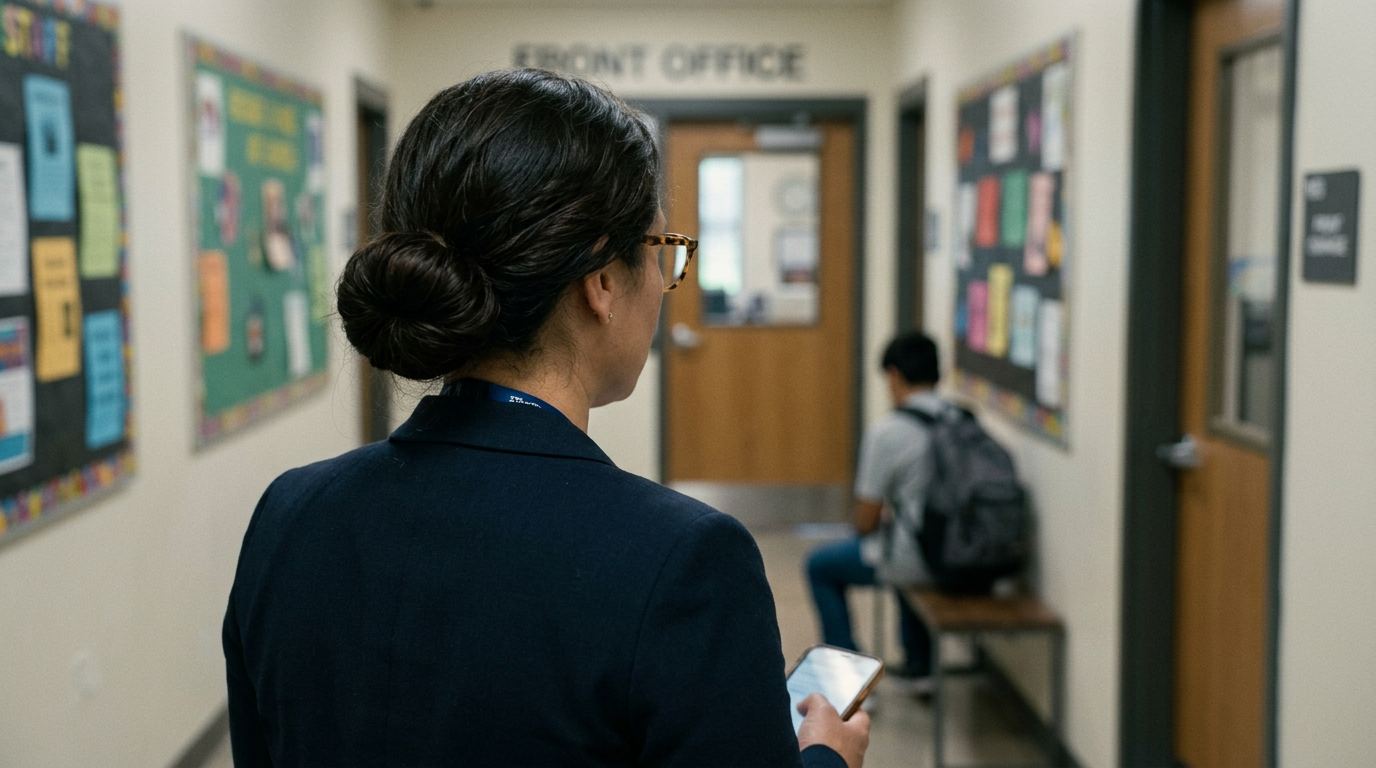
Gather it while it's fresh
Take statements in each student's own words and add photos of what you found. Record an interview and Binder transcribes it.

Decide with everything in front of you
When you decide, you see your matrix for this behavior, the student's earlier decisions, and past consequences for this behavior at your school. You choose a level for each student and explain why in your own words.

The paperwork is ready when you are
Binder drafts the incident record from what you gathered. You log calls to families as you make them, and you give each family a letter on your school's letterhead, in their language.

Make sure consequences happen
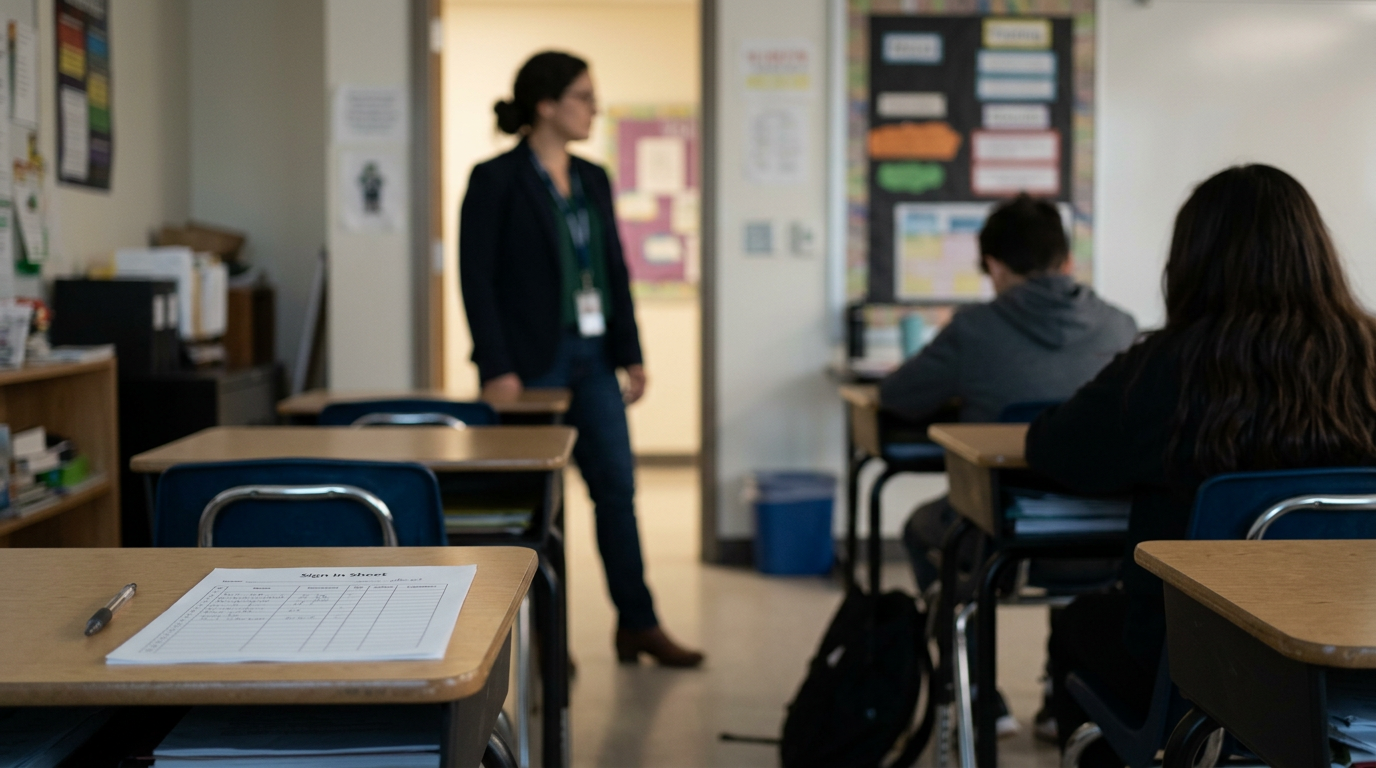
You print a roster and sign-in sheet for each detention. You see who missed one, and you can spot a student nearing the ten-day removal limit before they reach it.
What Resolve does
Everything you gather goes into the case as you investigate, and Binder drafts all the paperwork from your evidence.
So the write-up that used to take an extra hour is a 1-click draft.
Binder writes a separate letter for each family, about their child alone.
So no family's letter discloses another student's discipline record, which FERPA protects.
Binder compares every student's statement and shows you exactly where their stories don't match.
So you know which questions to ask to find the truth.
Binder shows the student's discipline record, along with the next step on your matrix.
So your next step builds on what was actually decided before, instead of starting over.
Your discipline matrix sits beside every decision: what each level means for this behavior, plus aggravating and mitigating factors.
So you decide with your own policy in front of you, instead of from memory.
Before you decide, Binder shows past consequences for this behavior at your school this year.
So students at your school get the same response for the same behavior, whoever handles the case.
Not every rough morning belongs on a student's record. You can work an incident as a draft and add it to the record only when you decide it belongs there. When you do, you'll see reminders of the due-process steps.
Sound familiar?
- “I do the whole investigation and then spend an hour going through my notes and writing everything up.”
- “I copy the letter for each family, take out the other kids' names, and hope I caught them all.”
- “Three students gave me contradictory accounts, so I have to sort through the discrepancies to figure out what happened.”
- “I know he's been in my office before, but not what it was for or what we gave him last time.”
- “I'm deciding with a student in my office and a parent waiting, and the handbook is in a drawer.”
- “A parent asks why their son got more than another student for the same thing, and I don't know what the other administrator gave.”
What you're using now
Right now you probably handle discipline through email threads and Word referral forms, and keep the rest of the details in your head. That works until a decision is challenged and you spend an evening rebuilding the record. In Resolve you build the record while you handle the incident, so you're not writing it up at the end of the day.
Every Binder app works like this
Built for your phone first
Every screen works in a hallway, not just at a desk.
Paper is a first-class input
Point your camera at a roster, a sign-out sheet, a stack of work — Binder drafts, you approve.
Your district's words
Labels and letters render in your district's own terminology.
AI drafts, people decide
Nothing becomes a record until a person says so.
More on how Binder works: the platform · security & privacy
Every Feature You'd Expect. Every Feature You'll Need.
The basics, so you can check them off.
- Merge several referrals about one incident into a single case
- Behaviors, levels and consequences you configure
- Guardian notices with FERPA safeguards
- Detention and session rosters, printable
- Case search by number, student or narrative
- A consequence ladder per school or for the whole district
- Equity reporting with disproportionality analytics
See it on a real case
Resolve opens with a sample school's referrals already in it. Work one from referral to family letter.
Try it free14 days, no credit card, nothing to install. Explore with sample data, or bring your own roster.